Ilan Moss / Amundsen Small Software Room · v1.3.0
Large Type Compare
When creating notices, changed line breaks make omissions hard to spot between original and large-type versions.
What it is for
When creating notices, changed line breaks make omissions hard to spot between original and large-type versions.
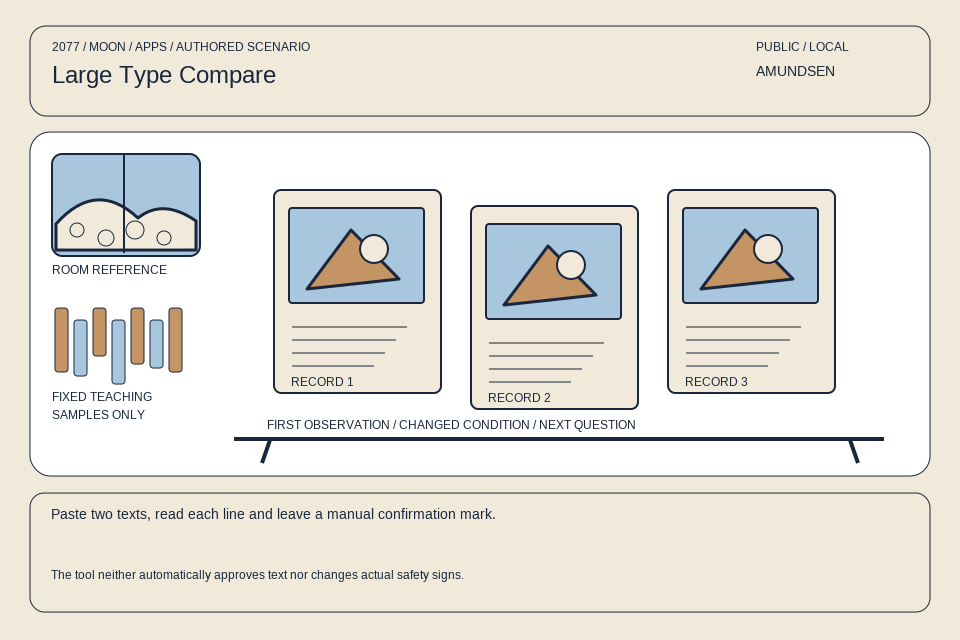
Paste two texts, read each line and leave a manual confirmation mark.
The tool neither automatically approves text nor changes actual safety signs.
Features in detail
Manual input and choices
Paste two texts, read each line and leave a manual confirmation mark.
The specific purpose of this tool
When creating notices, changed line breaks make omissions hard to spot between original and large-type versions.
Feature limits
The tool neither automatically approves text nor changes actual safety signs.
Release history
Separated manual input from confirmation marks in Large Type Compare and aligned Korean and English descriptions.