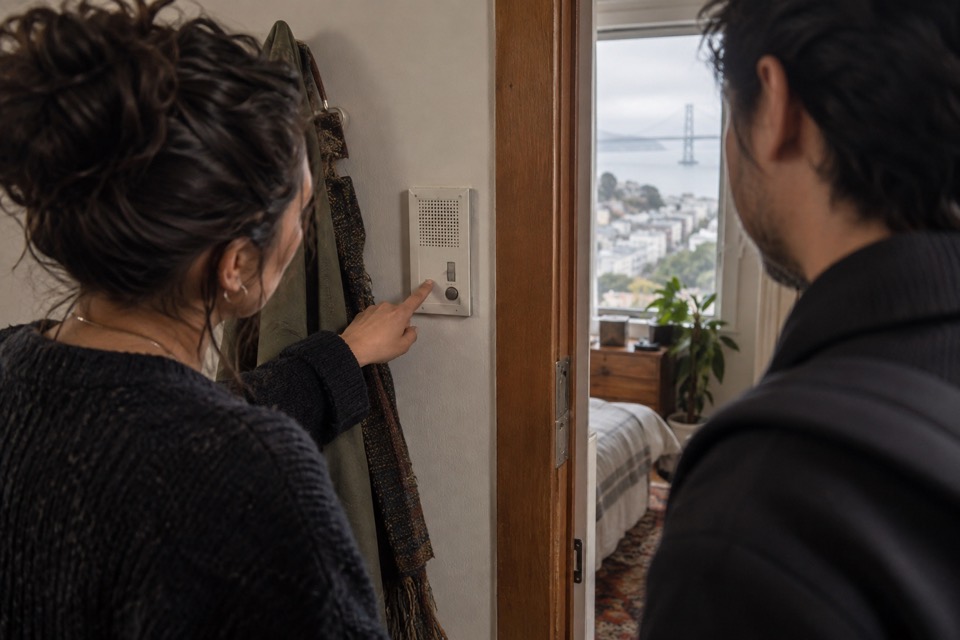
Arrival · a door without an account link
If check-in mentions linking an assistant, ask whether manual entry is available. Keep the temporary code received before arrival and check separately whether it also opens the shared workspace or laundry.
Movement · the last stretch uphill
A nearby stop can still leave a steep final approach. Check the luggage route against the host’s description and street view. If there is a flatter rear entrance, ask for its drop-off point.
Food · who owns the preference
Before loading a diet profile on a shared kitchen screen, check what remains for the next guest. One meal need not require a full eating history. Confirm ingredient changes on the order itself, not just its recommendation card.
Stay · the quiet-hours schedule
A room quiet by day can sit beside a workspace whose cooling equipment starts at night. Ask about windows, vents and operating hours together. You can state the quiet hours you need without sharing private reasons for your sleep schedule.
Shared devices · disconnect before leaving
Entry and ordering permissions granted to an assistant may be separate. At checkout, distinguish signing out on the room device from revoking its permission. This guide does not connect or disconnect any accounts.
If plans change
If the entry device stops responding, use the operator contact in the booking instead of repeatedly reconnecting accounts. Keep an offline note of the manual key handover location.
Common questions
Must I connect an assistant in every room?
No. This scenario starts by asking whether to connect. Check each accommodation’s manual options.
Can I share only part of a profile?
Check the permission controls the host supports. If they are too broad, ask about one-off requests or help from staff.
Does a quiet room stay quiet overnight?
Not necessarily when equipment schedules differ. Ask about both the time and the source of noise.